
Kitchen Display Systems (KDS): Are They Right for Your Restaurant?
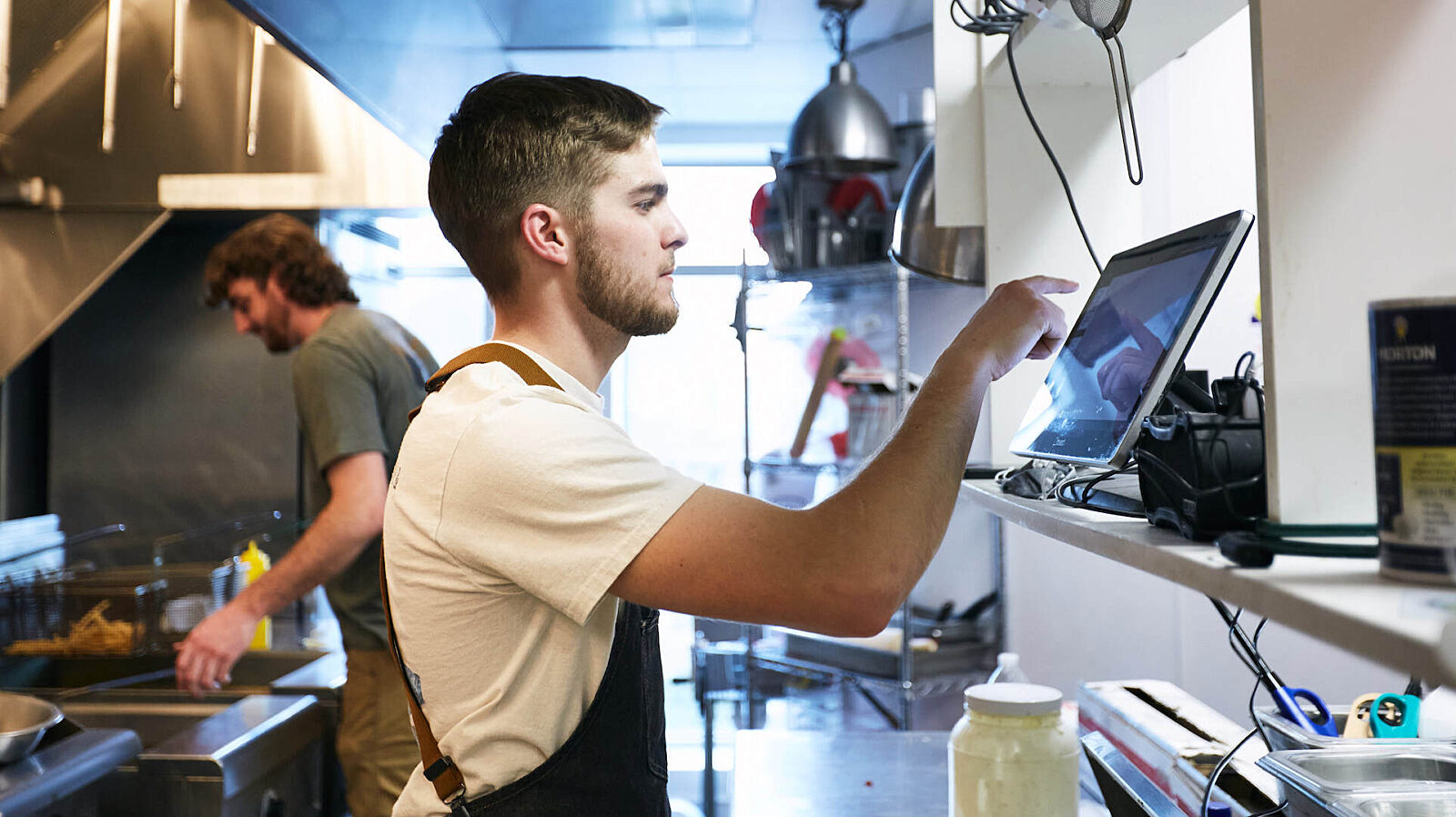
For decades, restaurant kitchens have lived by the ticket rail—paper chits flying in, cooks yelling “fire table 7!” But as restaurants look for ways to streamline operations, many are asking: is it time to replace the rail with screens? Enter the Kitchen Display System (KDS).
A KDS replaces paper tickets with digital order screens synced directly from your POS. While this tech upgrade isn’t for everyone, it can transform back-of-house communication and efficiency. Let’s explore if a KDS is right for your restaurant.
What Is a Kitchen Display System?
A KDS is a digital screen (usually mounted above the line) that displays incoming orders in real time. It syncs with your POS, eliminating handwritten or printed tickets.
Features often include:
- Color-coded order statuses (new, in progress, completed)
- Timers to track ticket times
- Expeditor views for managing multi-course meals
- Integration with delivery apps and online ordering
Benefits of Using KDS
Switching to digital offers more than just a paperless kitchen. A KDS can create measurable improvements in speed and accuracy.
- Fewer errors: No more smudged handwriting or lost tickets
- Faster service: Real-time updates reduce delays
- Data insights: Track ticket times, bottlenecks, and staff performance
- Sustainability: Save money (and trees) by eliminating paper
Potential Drawbacks
Like any tech upgrade, KDS isn’t perfect. It’s important to weigh the challenges before jumping in.
- Upfront cost: Hardware and software investments add up
- Learning curve: Staff may resist switching from paper
- Tech dependence: Power outages or glitches can disrupt service
If you’re a small, low-volume operation, paper tickets may still be the simpler (and cheaper) option.
Is KDS Right for Your Restaurant?
Deciding comes down to your volume, complexity, and goals.
KDS makes sense if:
- You handle high order volume (especially peak rushes)
- You run a multi-station kitchen where coordination matters
- You offer online ordering or delivery integration
- You want better data for labor and efficiency planning
Paper tickets may be fine if:
- You have a smaller menu and low-to-moderate volume
- Your kitchen thrives on simplicity and speed
- Budget constraints make tech upgrades unrealistic
Choosing the Right System
If you decide to move forward, pick a KDS that fits your size and workflow. Many POS systems now offer KDS as an add-on.
Popular options include: Toast KDS, Square for Restaurants, Lightspeed, and TouchBistro.
Key questions to ask vendors:
- Does it integrate seamlessly with your POS?
- Can you customize order displays by station?
- What reporting tools are included?
- What happens if the system goes down?
Wrapping Things Up
A Kitchen Display System isn’t a one-size-fits-all solution, but for many restaurants, it can transform operations. From reducing ticket errors to integrating with delivery platforms, KDS can help you run a tighter, faster, and more profitable back-of-house.
If your volume and complexity demand better coordination, it might be time to trade the ticket rail for a screen.