
Should You Invest in a Self-Service Kiosk? The Pros and Cons
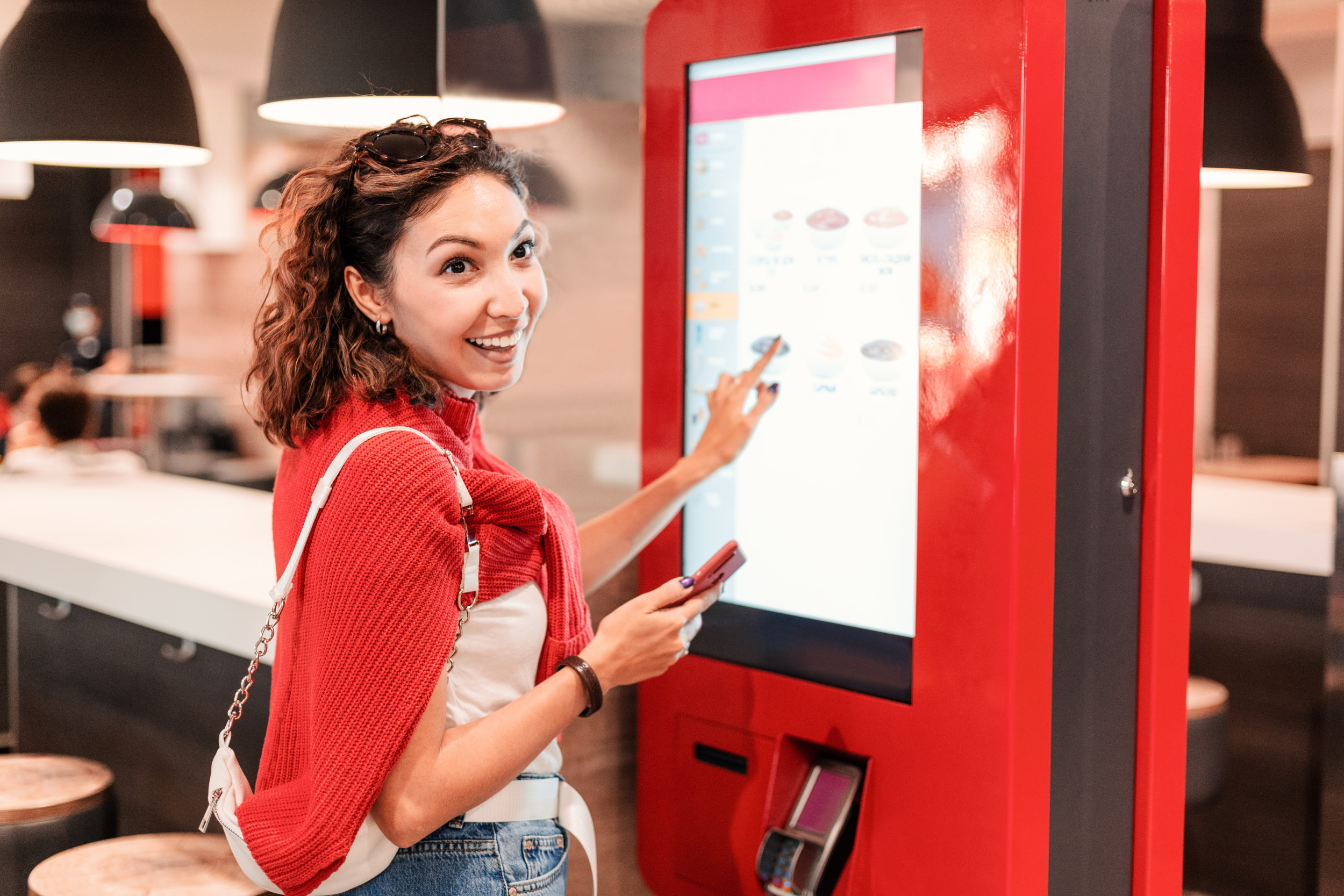
Walk into almost any fast-casual or quick-service restaurant today, and you’ll likely see it: the self-service kiosk. These touchscreen stations let customers place their own orders without interacting with a cashier, streamlining operations and often speeding up service. But while kiosks offer some clear advantages, they aren’t the perfect fit for every restaurant. So—should your restaurant invest in a self-service kiosk? Let’s weigh the pros and cons.
The Rise of the Self-Service Kiosk
From McDonald’s and Panera to small independents, self-service kiosks are becoming the norm in modern restaurant design. Driven by consumer demand for convenience and rising labor costs, kiosks offer a tech-forward way to improve service flow and reduce staffing pressure.
But like any tech upgrade, kiosks come with costs—and not just financial ones. Before jumping in, it’s important to look at both sides of the touchscreen.
The Pros of Self-Service Kiosks
1. Improved Efficiency & Speed
Kiosks can reduce wait times and long lines, especially during peak hours. They allow guests to order at their own pace and free up staff to focus on food prep or table service.
2. Lower Labor Costs
By reducing the need for cashiers or order-takers, kiosks can help cut labor costs and give more flexibility when staffing during slow periods.
3. Increased Check Averages
Kiosks are excellent upsellers. With suggestive prompts (“Add fries?” or “Make it a combo?”), they often lead to higher ticket totals compared to human cashiers—who might skip the script.
4. Consistency in Ordering
Kiosks eliminate misunderstandings caused by verbal communication. This reduces errors and improves customer satisfaction, especially for those with dietary restrictions or custom orders.
5. Enhanced Customer Control
Some guests simply prefer the self-service experience. They can browse the full menu, take their time, and customize their order without pressure or judgment.
The Cons of Self-Service Kiosks
1. Upfront Costs
Quality kiosks aren’t cheap. Between hardware, software, installation, and integration with your POS, the initial investment can range from a few thousand dollars to tens of thousands—depending on the size of your operation.
2. Maintenance & Technical Issues
Like any technology, kiosks require ongoing support. Hardware can fail, software may glitch, and customers get frustrated if the system is slow or unresponsive. You’ll need a plan for troubleshooting and regular updates.
3. Not for Every Customer
Some guests—especially older diners or those less comfortable with technology—may feel alienated by a kiosk-first experience. It’s important to offer traditional ordering options alongside kiosks to accommodate everyone.
4. Reduced Personal Interaction
Kiosks can save time, but they also cut out human connection. If hospitality and personalized service are key to your brand, losing that moment of contact could weaken the guest experience.
5. Potential Bottlenecks
Ironically, kiosks can still cause crowding—especially if your layout doesn’t support multiple stations or if guests linger while browsing. Plus, customers still need to wait for food after ordering, so the time savings must translate to overall speed.
When Kiosks Make the Most Sense
While self-service kiosks are gaining popularity, they work best in specific types of restaurants:
- Quick-service and fast-casual concepts with high volume and limited menus.
- Busy locations with peak traffic periods and line congestion.
- Restaurants with customizable meals (like build-your-own bowls, pizzas, or burritos).
- Concepts that already embrace tech like digital menus, mobile apps, or online ordering.
If your model relies on speed and efficiency, kiosks could be a great fit. But if you focus on high-touch service or upscale dining, they might clash with your brand.
Best Practices for Successful Kiosk Integration
If you decide to take the kiosk route, success depends on more than just plugging in the hardware. Here’s how to do it right:
- Start with one or two kiosks to test flow and adoption.
- Train your staff on how to support customers using the kiosk and troubleshoot issues.
- Keep kiosks updated with your latest menu, prices, and seasonal specials.
- Maintain a backup plan—have a team member nearby to help guests who need assistance.
- Position kiosks strategically to avoid bottlenecks and guide traffic flow.
Like any operational shift, kiosk implementation should be intentional, monitored, and refined based on guest feedback.
Wrapping Things Up
Self-service kiosks can be a valuable asset for restaurants looking to improve efficiency, reduce labor costs, and offer customers more control. But they’re not a one-size-fits-all solution. Understanding your brand, customer preferences, and operational flow is key to deciding whether kiosks will enhance or hinder your guest experience.
If you’re considering the switch, start small, evaluate ROI, and listen to both your customers and your team. When executed thoughtfully, self-service kiosks can help your restaurant keep pace with changing expectations—without sacrificing service.